Reference
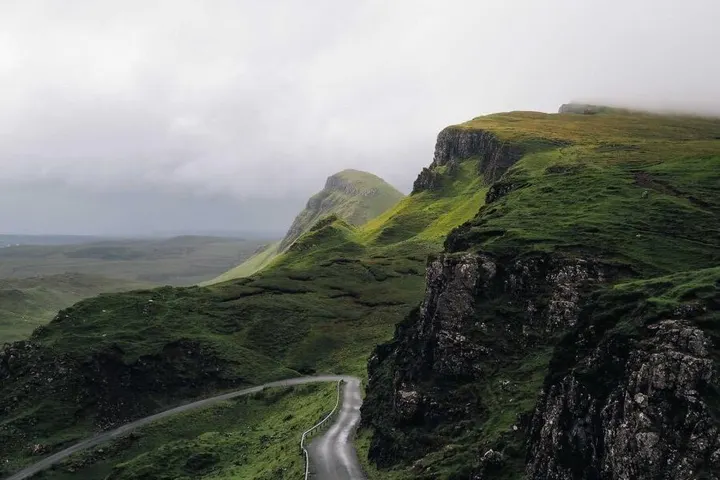
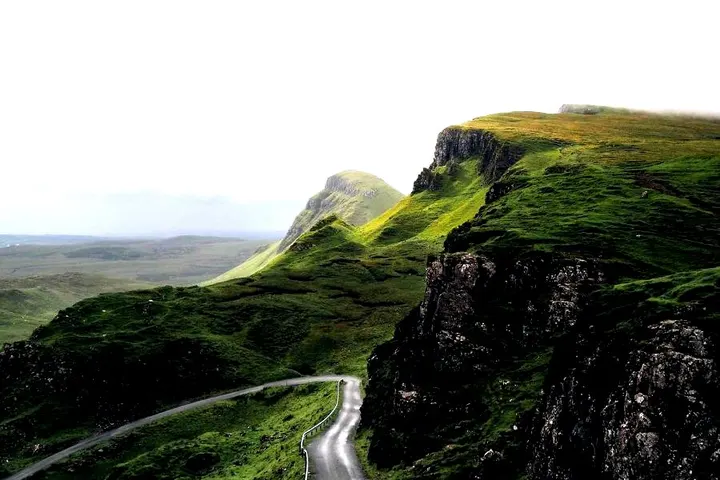
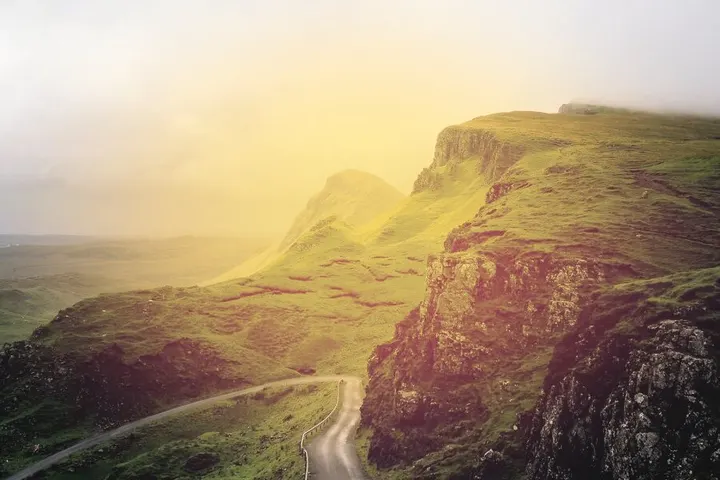
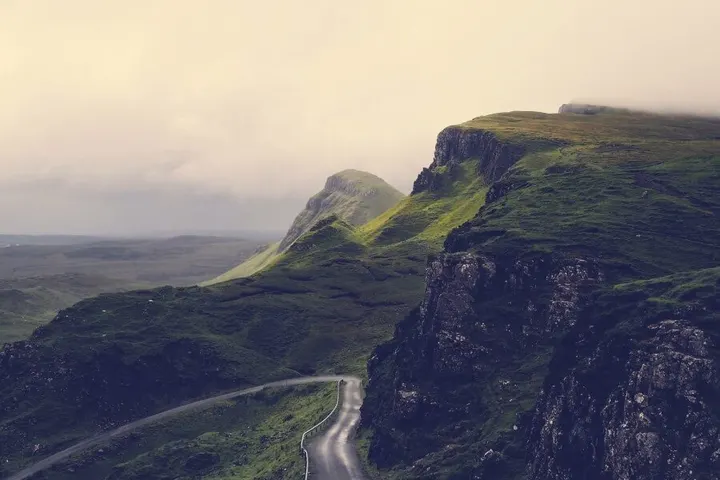
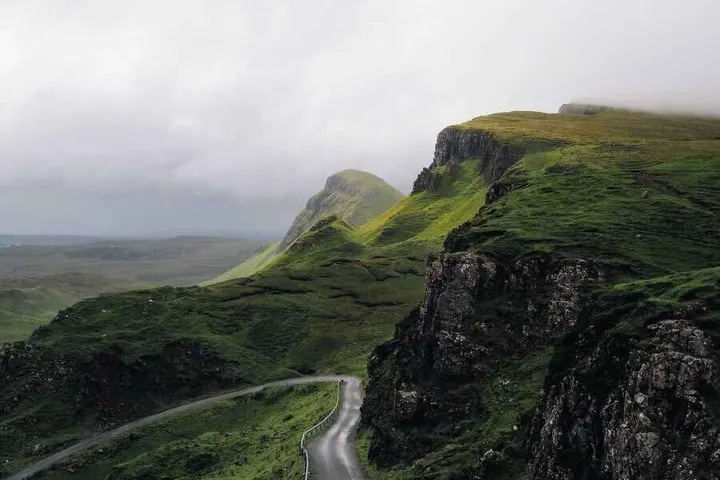
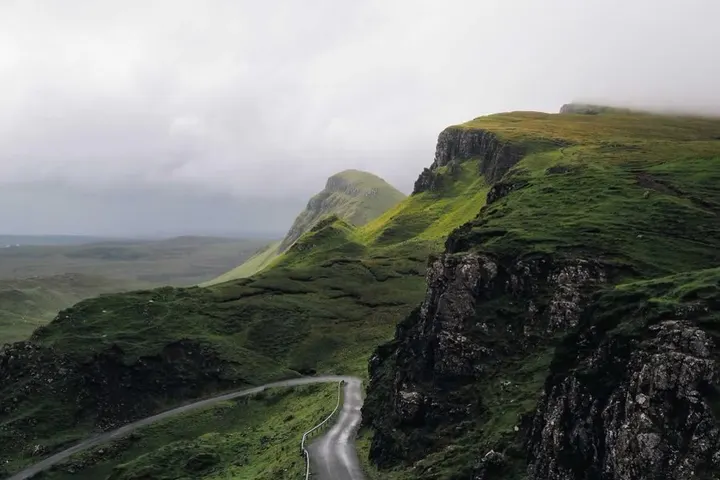
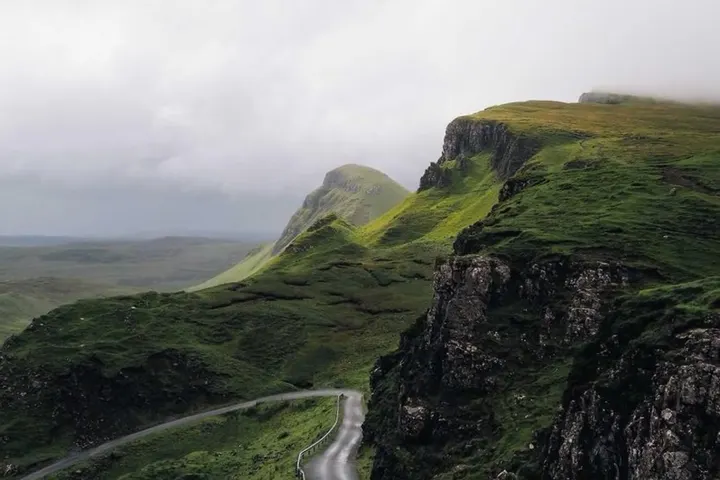
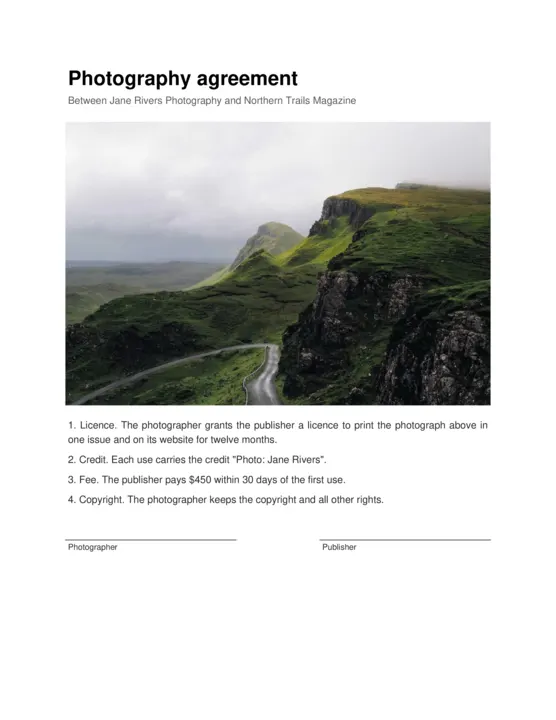
Send a file's URL and a list of operations. They run in order, top to bottom, and you get one finished file back. Every picture on this page was made by the API from the request beside it.
Operation Images Videos PDFs What it does
watermark ✓ ✓ ✓ Place an image (a logo, usually a transparent PNG) over the file, at its own size. Resize the watermark image beforehand.
border ✓ ✓ – Add a border of a color on each side.
resize ✓ ✓ – Resize to a width and height.
crop ✓ ✓ – Cut out a rectangle.
thumbnail ✓ – – Make a small, fast-loading copy, metadata stripped.
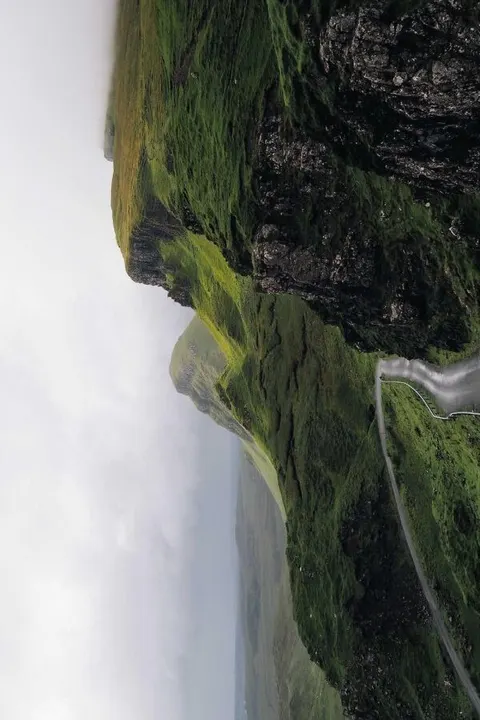
rotate ✓ ✓ – Rotate by degrees, clockwise, and optionally mirror.
flip ✓ ✓ – Mirror the file.
orient ✓ – – Turn the image upright from its EXIF orientation.
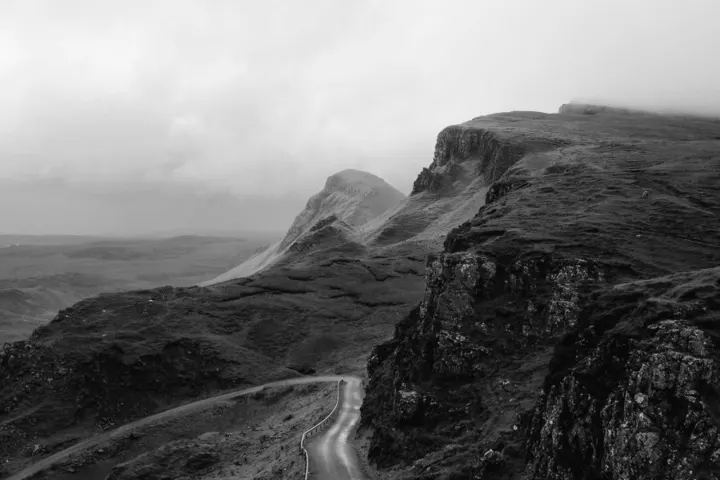
grayscale ✓ ✓ – Remove the color.
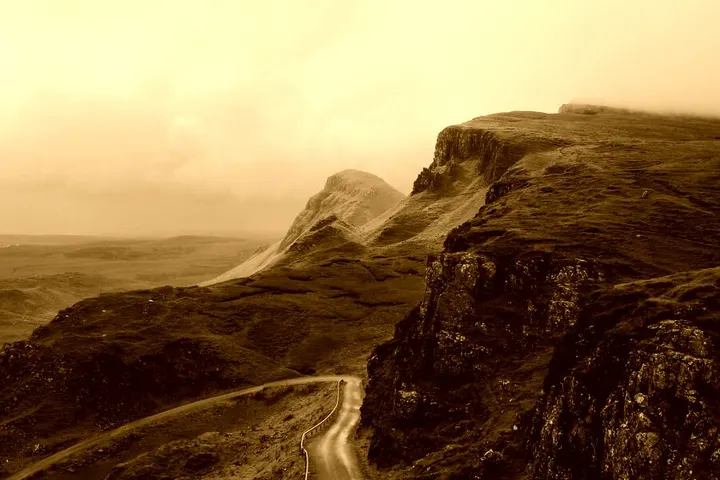
sepia ✓ – – Give the image a sepia tone.
exposure ✓ – – Adjust brightness and contrast.
filter ✓ – – Apply a photo filter.
remove_background ✓ – – Make the background color transparent (output PNG or WebP to keep it).
compress ✓ – – Re-encode at a quality, 1-100.
The same catalog as JSON: GET /v1/operations422.
Brand it
Put your mark on a photo, a video or every page of a PDF.
"type": "watermark"
Images
Videos
PDFs
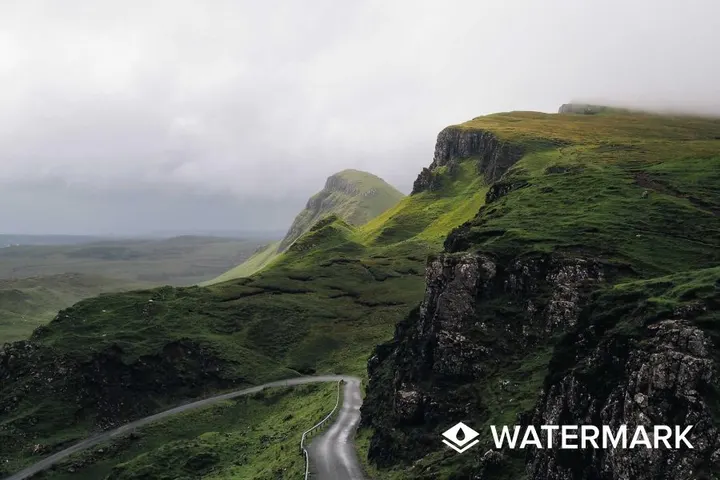
Place your logo, usually a transparent PNG, over a photo, every frame of a video or every page of a PDF. It goes on at the logo's own size, so resize the logo first. x and y count pixels from the top-left corner.
A logo in the bottom-right corner
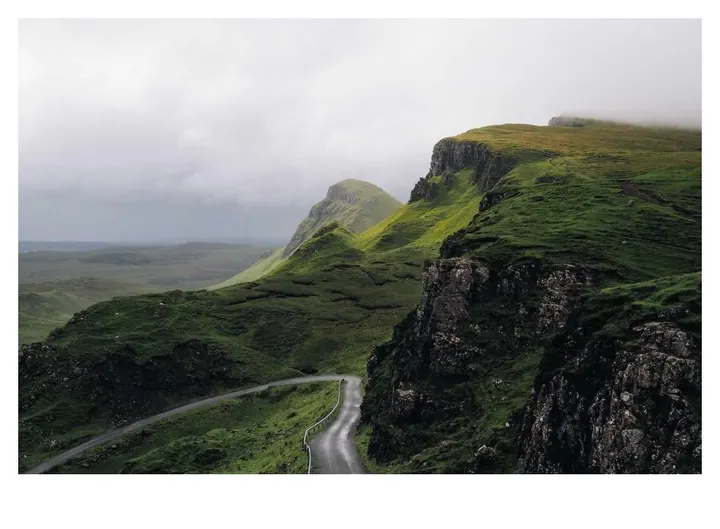
photo.jpg 900 × 600 · JPG · 95 KB
Result 900 × 600 · JPG · 96 KB
POST /v1/images/processCopy
{
  "source": "https://example.com/photo.jpg",
  "operations": [
    {"type": "watermark", "image_url": "https://example.com/logo.png", "x": 552, "y": 524}
  ]
}
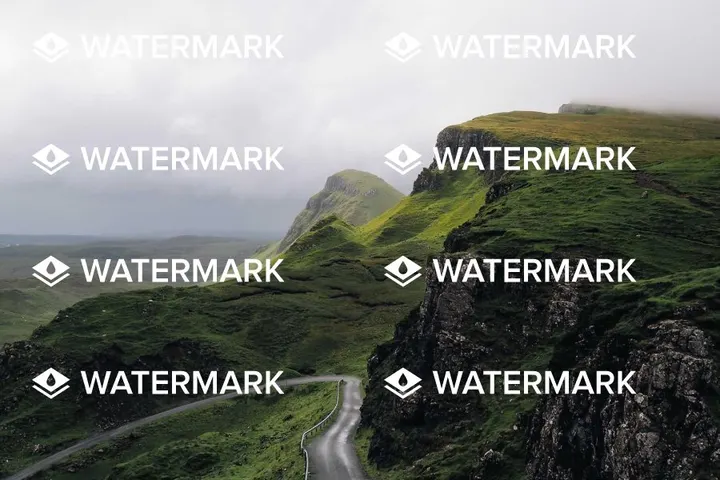
Repeated across the whole photo
photo.jpg 900 × 600 · JPG · 95 KB
Result 900 × 600 · JPG · 110 KB
POST /v1/images/processCopy
{
  "source": "https://example.com/photo.jpg",
  "operations": [
    {"type": "watermark", "image_url": "https://example.com/logo.png", "x": 40, "y": 36, "tile_spacing_x": 440, "tile_spacing_y": 140}
  ]
}
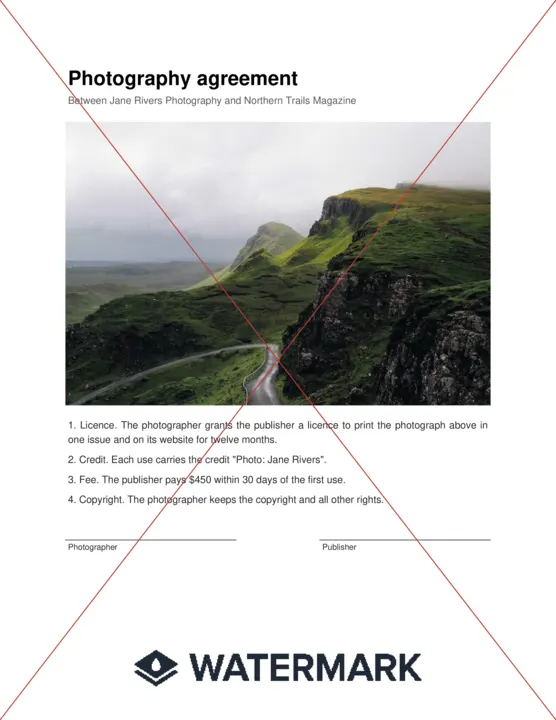
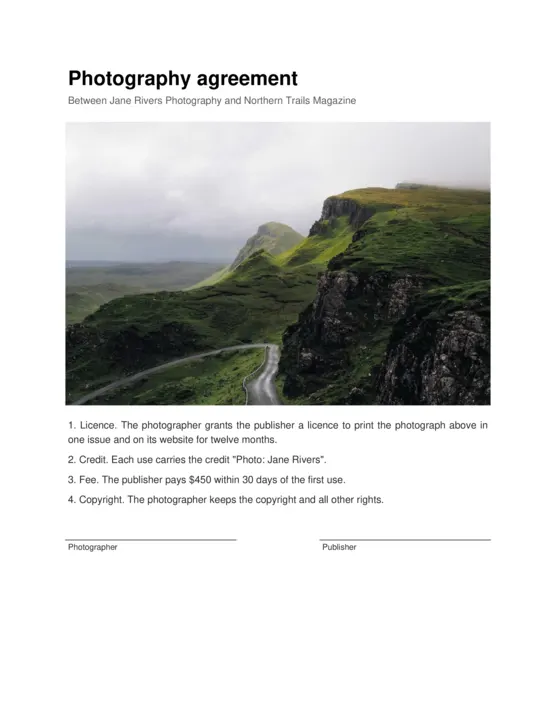
On every page of a PDF, with diagonal lines
PDF
contract.pdf PDF · 97 KB
Result PDF · 100 KB
POST /v1/documents/processCopy
{
  "source": "https://example.com/contract.pdf",
  "operations": [
    {"type": "watermark", "image_url": "https://example.com/logo.png", "x": 148, "y": 712, "diagonal_lines_color": "#c0392b", "diagonal_lines_opacity": 35}
  ]
}
To use another corner, read the file first: for the bottom right, x is the image width minus the logo width minus a margin (900 − 316 − 32 = 552). Tile spacing is the step from one copy to the next, so make it wider than the logo.
Parameters
image_url
an http(s) URL
Required
URL of the watermark image (JPEG, PNG, GIF or WebP).
x
a whole number, -20000 to 20000
Required
The x position in pixels, from the top left.
y
a whole number, -20000 to 20000
Required
The y position in pixels, from the top left.
tile_spacing_x
a number, 0 to 20000
Repeat the watermark across the file: the step in pixels from one copy's left edge to the next (with tile_spacing_y).
tile_spacing_y
a number, 0 to 20000
When tiling, the step in pixels from one copy's top edge to the next.
diagonal_lines_color
a hex color
Also draw two diagonal lines corner to corner in this color. A hex color, such as "#ffffff".
diagonal_lines_opacity
a whole number, 0 to 100
Opacity of the diagonal lines, 0-100.
"type": "border"
Images
Videos
Add a frame of one color, as wide as you like on each side. The file grows by the border.
A white frame, wider at the bottom
photo.jpg 900 × 600 · JPG · 95 KB
Result 948 × 696 · JPG · 96 KB
POST /v1/images/processCopy
{
  "source": "https://example.com/photo.jpg",
  "operations": [
    {"type": "border", "top": 24, "bottom": 72, "left": 24, "right": 24, "color": "#ffffff"}
  ]
}
Parameters
top
a whole number, 0 to 2000
Required
Top border in pixels.
bottom
a whole number, 0 to 2000
Required
Bottom border in pixels.
left
a whole number, 0 to 2000
Required
Left border in pixels.
right
a whole number, 0 to 2000
Required
Right border in pixels.
color
a hex color
Required
The border color. A hex color, such as "#ffffff".
Size and shape
Fit a file to where it is going: a size, a square, the right way up.
"type": "resize"
Images
Videos
Make the file a new size. By default it fits inside the width and height you give and keeps its shape; crop_center fills the box instead and trims what overflows.
Fit inside 450 × 450
photo.jpg 900 × 600 · JPG · 95 KB
Result 450 × 300 · JPG · 26 KB
POST /v1/images/processCopy
{
  "source": "https://example.com/photo.jpg",
  "operations": [
    {"type": "resize", "width": 450, "height": 450}
  ]
}
Fill a 400 × 400 square
photo.jpg 900 × 600 · JPG · 95 KB
Result 400 × 400 · JPG · 29 KB
POST /v1/images/processCopy
{
  "source": "https://example.com/photo.jpg",
  "operations": [
    {"type": "resize", "width": 400, "height": 400, "crop_center": true}
  ]
}
Parameters
width
a whole number, 1 to 20000
Required
The width in pixels.
height
a whole number, 1 to 20000
Required
The height in pixels.
preserve_aspect_ratio
true or false
default true
Fit inside the box instead of stretching to it.
crop_center
true or false
default false
Fill the box and crop what overflows, centered.
"type": "crop"
Images
Videos
Cut out a rectangle: its top-left corner at x, y, and its width and height, all in pixels.
A 400 × 400 square from the right side
photo.jpg 900 × 600 · JPG · 95 KB
Result 400 × 400 · JPG · 42 KB
POST /v1/images/processCopy
{
  "source": "https://example.com/photo.jpg",
  "operations": [
    {"type": "crop", "x": 470, "y": 130, "width": 400, "height": 400}
  ]
}
Parameters
x
a whole number, 0 to 20000
Required
Left edge in pixels.
y
a whole number, 0 to 20000
Required
Top edge in pixels.
width
a whole number, 1 to 20000
Required
The width in pixels.
height
a whole number, 1 to 20000
Required
The height in pixels.
"type": "thumbnail"
Images
A small, fast-loading copy for previews and lists: resized, compressed and stripped of metadata in one step. Leave out the height to keep the shape.
300 pixels wide, quality 70
photo.jpg 900 × 600 · JPG · 95 KB
Result 300 × 200 · JPG · 8 KB
POST /v1/images/processCopy
{
  "source": "https://example.com/photo.jpg",
  "operations": [
    {"type": "thumbnail", "width": 300, "quality": 70}
  ]
}
Parameters
width
a whole number, 1 to 4000
Required
The width in pixels.
height
a whole number, 1 to 4000
The height in pixels; kept in proportion when left out.
quality
a whole number, 1 to 100
Compression quality, 1-100.
"type": "rotate"
Images
Videos
Turn the file clockwise by any number of degrees (negative turns it the other way), and mirror it at the same time if you need to.
A quarter turn clockwise
photo.jpg 900 × 600 · JPG · 95 KB
Result 600 × 900 · JPG · 95 KB
POST /v1/images/processCopy
{
  "source": "https://example.com/photo.jpg",
  "operations": [
    {"type": "rotate", "degrees": 90}
  ]
}
Parameters
degrees
a whole number, -360 to 360
Required
Degrees clockwise.
flip_horizontal
true or false
default false
Mirror left to right.
flip_vertical
true or false
default false
Mirror top to bottom.
"type": "flip"
Images
Videos
Mirror the file left to right, top to bottom, or both.
Mirrored left to right
photo.jpg 900 × 600 · JPG · 95 KB
Result 900 × 600 · JPG · 96 KB
POST /v1/images/processCopy
{
  "source": "https://example.com/photo.jpg",
  "operations": [
    {"type": "flip", "horizontal": true}
  ]
}
Parameters
horizontal
true or false
default false
Mirror left to right.
vertical
true or false
default false
Mirror top to bottom.
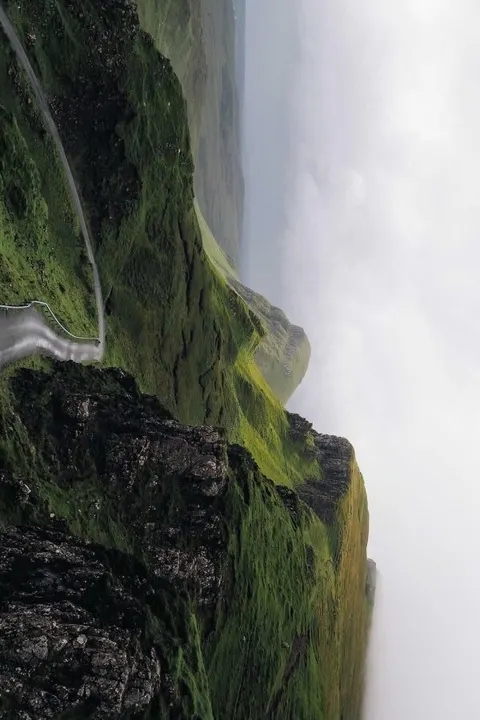
Phones often save a photo sideways and only note which way is up. This turns the pixels upright, so every app shows it the right way.
A phone photo stored sideways, turned upright
phone-photo.jpg 600 × 900 · JPG · 97 KB
Result 900 × 600 · JPG · 96 KB
POST /v1/images/processCopy
{
  "source": "https://example.com/phone-photo.jpg",
  "operations": [
    {"type": "orient"}
  ]
}
No parameters: {"type": "orient"} is the whole operation.
Look and file size
Change the colors, cut out a background, or make the file smaller.
"type": "grayscale"
Images
Videos
Remove the color.
Black and white
photo.jpg 900 × 600 · JPG · 95 KB
Result 900 × 600 · JPG · 88 KB
POST /v1/images/processCopy
{
  "source": "https://example.com/photo.jpg",
  "operations": [
    {"type": "grayscale"}
  ]
}
No parameters: {"type": "grayscale"} is the whole operation.
A warm, old-photo tone. threshold sets how strong it is.
Threshold 80
photo.jpg 900 × 600 · JPG · 95 KB
Result 900 × 600 · JPG · 98 KB
POST /v1/images/processCopy
{
  "source": "https://example.com/photo.jpg",
  "operations": [
    {"type": "sepia", "threshold": 80}
  ]
}
Parameters
threshold
a whole number, 0 to 100
Required
How strong the tone is, 0-100.
"type": "exposure"
Images
Brighten or darken, and add or take away contrast, each from -100 to 100.
Brighter, with more contrast
photo.jpg 900 × 600 · JPG · 95 KB
Result 900 × 600 · JPG · 101 KB
POST /v1/images/processCopy
{
  "source": "https://example.com/photo.jpg",
  "operations": [
    {"type": "exposure", "brightness": 10, "contrast": 45}
  ]
}
Parameters
brightness
a whole number, -100 to 100
default 0
From -100 to 100.
contrast
a whole number, -100 to 100
default 0
From -100 to 100.
One of 18 photo filters, at full strength or blended in. strength 50 is half the look.
Toaster
photo.jpg 900 × 600 · JPG · 95 KB
Result 900 × 600 · JPG · 91 KB
POST /v1/images/processCopy
{
  "source": "https://example.com/photo.jpg",
  "operations": [
    {"type": "filter", "name": "toaster"}
  ]
}
Nashville at half strength
photo.jpg 900 × 600 · JPG · 95 KB
Result 900 × 600 · JPG · 85 KB
POST /v1/images/processCopy
{
  "source": "https://example.com/photo.jpg",
  "operations": [
    {"type": "filter", "name": "nashville", "strength": 50}
  ]
}
Parameters
name
one of amaro, apollo, brannan, earlybird, gotham, hefe, inkwell, kelvin, lomo, nashville, poprocket, rise, sierra, toaster, valencia, walden, willow, xpro2
Required
Which one to use.
strength
a whole number, 0 to 100
default 100
How much of the look, 0-100.
"type": "remove_background"
Images
Make the background color transparent: the color in the corners, and everything close to it within tolerance. Ask for PNG or WebP output to keep the transparency. Made for logos, signatures and stamps on a plain background.
A signature lifted off the paper
signature.jpg 900 × 420 · JPG · 52 KB
Result 900 × 420 · PNG · 332 KB
POST /v1/images/processCopy
{
  "source": "https://example.com/signature.jpg",
  "operations": [
    {"type": "remove_background", "tolerance": 20, "blur": 1}
  ],
  "output": {"format": "png"}
}
Parameters
tolerance
a whole number, 0 to 100
Required
How far from the background color still counts as background, 0-100.
blur
a whole number, 0 to 10
default 0
Soften the cut edge, 0-10.
"type": "compress"
Images
Save at a lower quality to make the file smaller. Around 70 is hard to tell apart from the original.
Quality 40
photo.jpg 900 × 600 · JPG · 95 KB
Result 900 × 600 · JPG · 39 KB
POST /v1/images/processCopy
{
  "source": "https://example.com/photo.jpg",
  "operations": [
    {"type": "compress", "quality": 40}
  ]
}
Parameters
quality
a whole number, 1 to 100
Required
Compression quality, 1-100.
Other endpoints
These take a file and one value instead of a list of operations.
POST /v1/videos/screenshot
Save one frame of a video as a JPEG or PNG: a poster, a preview, a cover.
VIDEO
clip.mp4 900 × 600 · MP4 · 621 KB
Result 900 × 600 · JPG · 97 KB
POST /v1/videos/screenshotCopy
{
  "source": "https://example.com/clip.mp4",
  "seconds": 3,
  "output": {"format": "jpg"}
}
POST /v1/documents/snapshot
Render one page of a PDF as an image, to preview a document without a PDF viewer.
PDF
contract.pdf PDF · 97 KB
Result 2550 × 3300 · PNG · 1.3 MB
POST /v1/documents/snapshotCopy
{
  "source": "https://example.com/contract.pdf",
  "page": 1,
  "output": {"format": "png"}
}
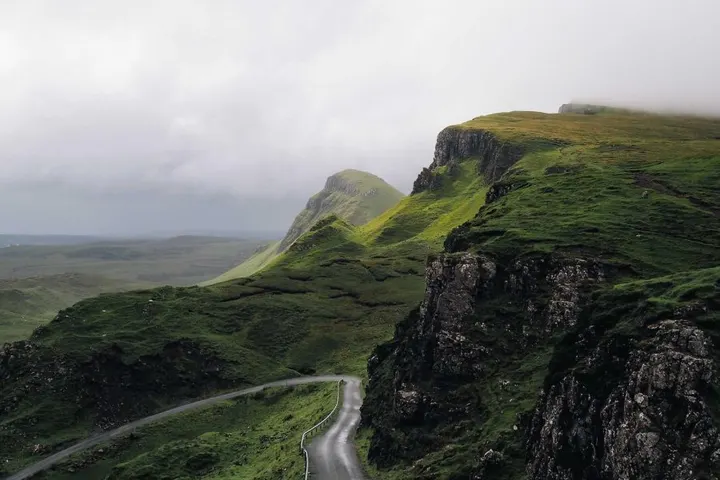
Find out what a file is before you change it: its size and format, a video's duration, a PDF's pages. Use it to place a watermark in a corner.
photo.jpg 900 × 600 · JPG · 95 KB
result.data
{
  "frames": 1,
  "orientation": "Undefined",
  "format": "JPEG",
  "colorspace": "sRGB",
  "width": 900,
  "height": 600,
  "size": 97451
}
POST /v1/images/readCopy
{
  "source": "https://example.com/photo.jpg"
}
 PDF
PDF